 AI Toy Bridge
What the software is
AI Toy Bridge is a software app that supports Android, iOS, and Windows. Connect your toy via your phone, and let AI control it through the provided MCP interface. If your toy is supported, setup takes only a few minutes to let AI operate your toy. In addition, we also support connecting Bluetooth devices with standard heart rate broadcast functionality, such as fitness bands and smartwatches, so AI can access your heart rate. Over a hundred devices are currently supported (see Supported Devices), with more on the way.
The app uses a pay-as-you-go system. Every user has a trial quota that refreshes monthly; if you are a light user, you can use it completely for free. If you find it useful, you can pay appropriately to support our long-term development.
Get started in three steps
AI Toy Bridge handles connecting to the device, and the chat app handles conversations with the AI; MCP connects the two. Whichever chat app you use, the order is the same:
- Connect the device: Find the device in AI Toy Bridge and complete a local control test. Only continue to the next step once the device actually responds.
- Configure MCP: Copy the service address and user identifier from the App, add the MCP in your chat app, and enable it for the current conversation.
- Make a call: First have the AI check whether the device is online, then try a brief control to confirm that a real tool call occurred.
Start with connecting devices. Already able to control devices within the App? Go straight to the setup wizard. Already configured? Proceed to letting AI call devices.
What you need
- A supported device, and a phone or computer that can run AI Toy Bridge.
- A chat app that supports remote MCP. If the app requires you to configure the conversation API yourself, first make sure it can chat normally and that the model supports tool calling.
- The MCP address copied from the App and your own user identifier. Do not send this configuration to anyone else.
Ways to play
With AI, you can do many things. Besides regular chatting and letting AI control toys for interaction, the ways to play discovered in the group so far also include:
-
Sneak attack: Tell the AI that it can suddenly sneak up on you during a conversation. You prepare the toy, so while you are chatting with the AI, it may suddenly launch an attack and catch you off guard.
-
Let AI write a novel: Describe the scenes you imagine. It can, while writing the novel, apply the corresponding feedback directly to you. For example, when the novel says “then he suddenly used force”, the AI can at that moment simultaneously control the toy to produce corresponding vibration or expansion/contraction, achieving an experience across dimensions.
For more ways to use it, feel free to discuss and share in the group.
Need help or want to connect
If you run into problems during operation, first use Troubleshooting to identify which step you are stuck on. If it is still unresolved, follow the feedback guide to provide device information, the time you tried, and screenshots.
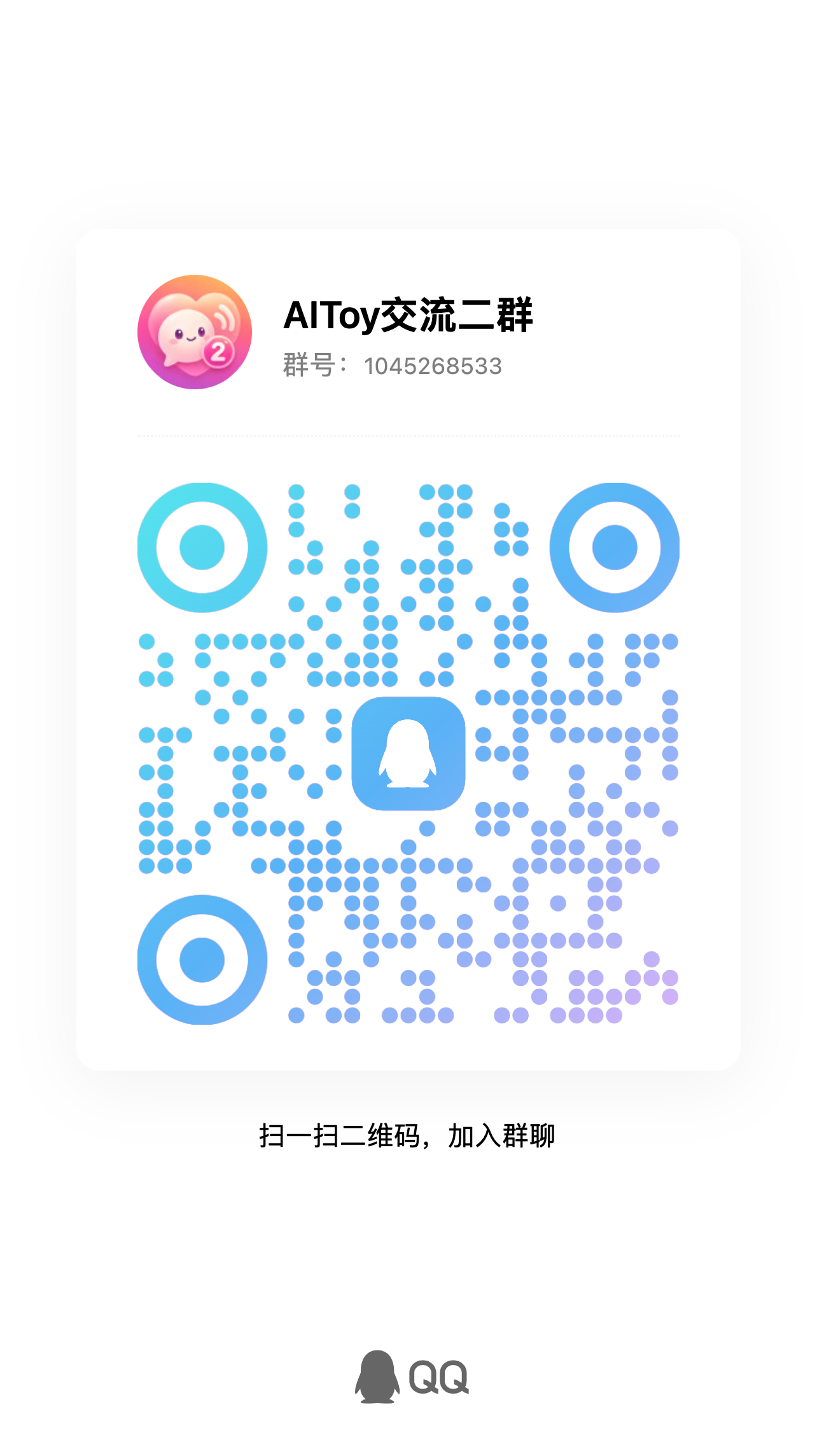
Group 1 is full. Please prioritize joining AIToy Exchange Group 2 (group number: 1045268533) to share experience and explore more ways to use it.
Group 1: AIToy Beta Exchange Group (full; entry retained)
International users are welcome to join the AI Toy Bridge Discord community to share usage experiences, request device compatibility, or get help. The community is limited to users aged 18 and above.